

Viewtrace
English
Back to home

Guide

Geo testing tool: repeat the same test, keep the receipts

Geo testing is only useful if you can repeat it. Viewtrace lets you re-run the same URL from the same region and keep a timeline—ideal when you are validating fixes or watching a rollout.

Scheduled runs (Starter / Pro) add email digests so the team does not rely on someone remembering to “grab a screenshot.”
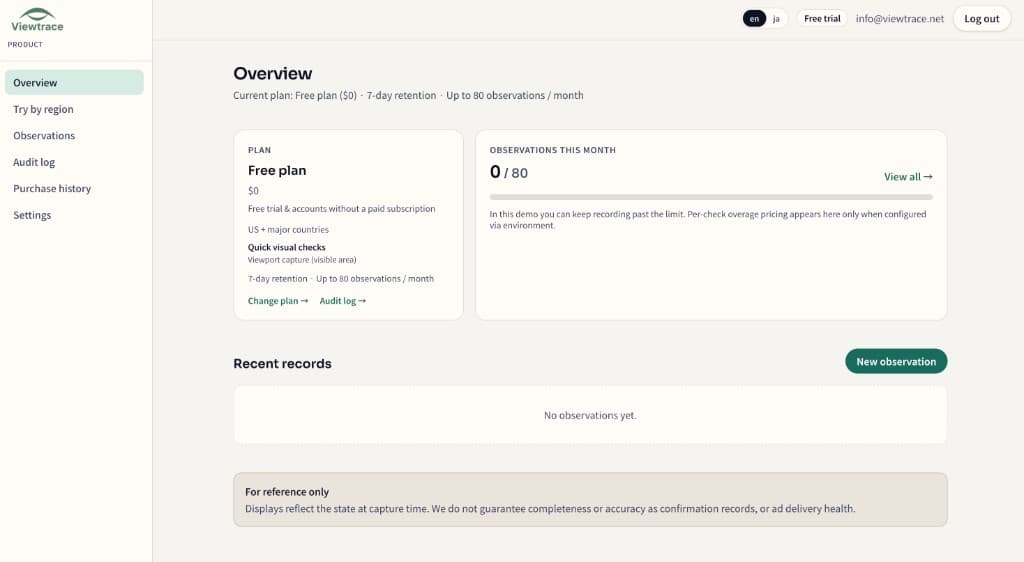
See it in your dashboard

See it in your dashboard — Geo testing tool: repeat the same test, keep the receipts
Recent observations with URL, region, timestamp, and status—kept together in your workspace.

How it works

How it works — Geo testing tool: repeat the same test, keep the receipts
  1. 1

    Pick your region

    Choose the country or state you want to observe from—so the capture matches what real users in that market see.

  2. 2

    Run an observation

    Enter the URL and Viewtrace captures how the page rendered from that vantage point.

  3. 3

    Save with metadata

    Every capture is stored with its URL, timestamp, and region, so it still makes sense weeks later.

  4. 4

    Compare or schedule

    Diff runs over time, or schedule reruns with email digests to catch visual drift (Starter / Pro).

Frequently asked questions

Can I repeat the exact same test?
Yes. Re-run the same URL from the same region and keep a timeline you can scroll through.
Is there scheduling?
Daily, weekly, and monthly scheduled runs are available on Starter and Pro.
How do I validate that a fix rolled out correctly?
Compare before-and-after observations from the affected region to confirm the change is live.

Related topics