

Viewtrace
English
Back to home

Guide

Landing page QA that survives the launch meeting

Landing page QA for international traffic is not only copy review—it is “what did the hero and pricing block actually render in DE vs JP vs US-CA?” Viewtrace stores those renders as structured observations.

When something changes, diffing and scheduled reruns help you catch regressions before they become a client escalation.
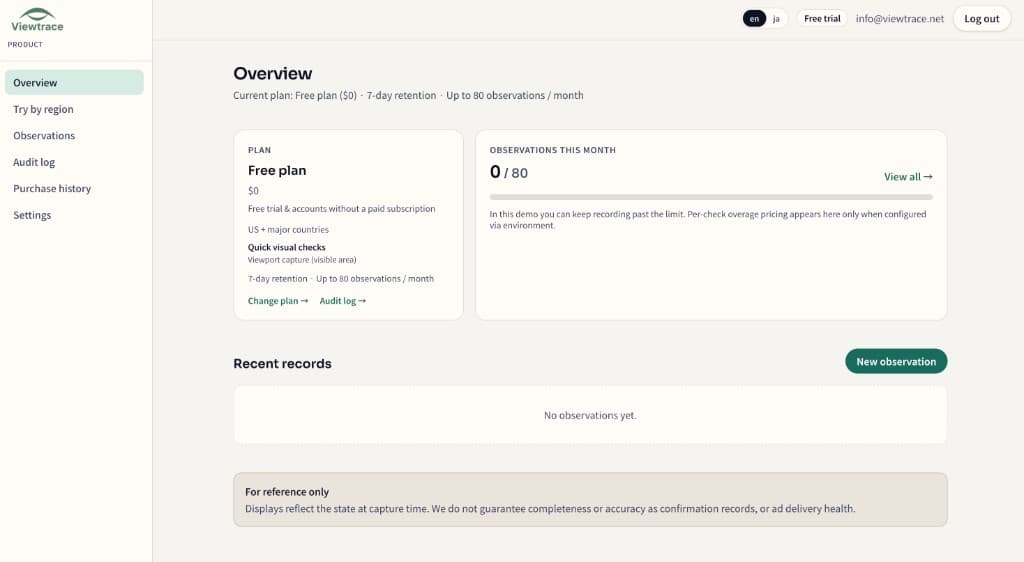
See it in your dashboard

See it in your dashboard — Landing page QA that survives the launch meeting
Recent observations with URL, region, timestamp, and status—kept together in your workspace.

How it works

How it works — Landing page QA that survives the launch meeting
  1. 1

    Pick your region

    Choose the country or state you want to observe from—so the capture matches what real users in that market see.

  2. 2

    Run an observation

    Enter the URL and Viewtrace captures how the page rendered from that vantage point.

  3. 3

    Save with metadata

    Every capture is stored with its URL, timestamp, and region, so it still makes sense weeks later.

  4. 4

    Compare or schedule

    Diff runs over time, or schedule reruns with email digests to catch visual drift (Starter / Pro).

Frequently asked questions

What does landing page QA cover here?
Beyond copy review, it captures what the hero and pricing block actually rendered per region.
Can I catch regressions after launch?
Yes. Diffs and scheduled reruns surface changes so you can act before they escalate.
Can I export results for stakeholders?
Yes. Print-ready reports and exports are available (Pro) for reviews and approvals.

Related topics